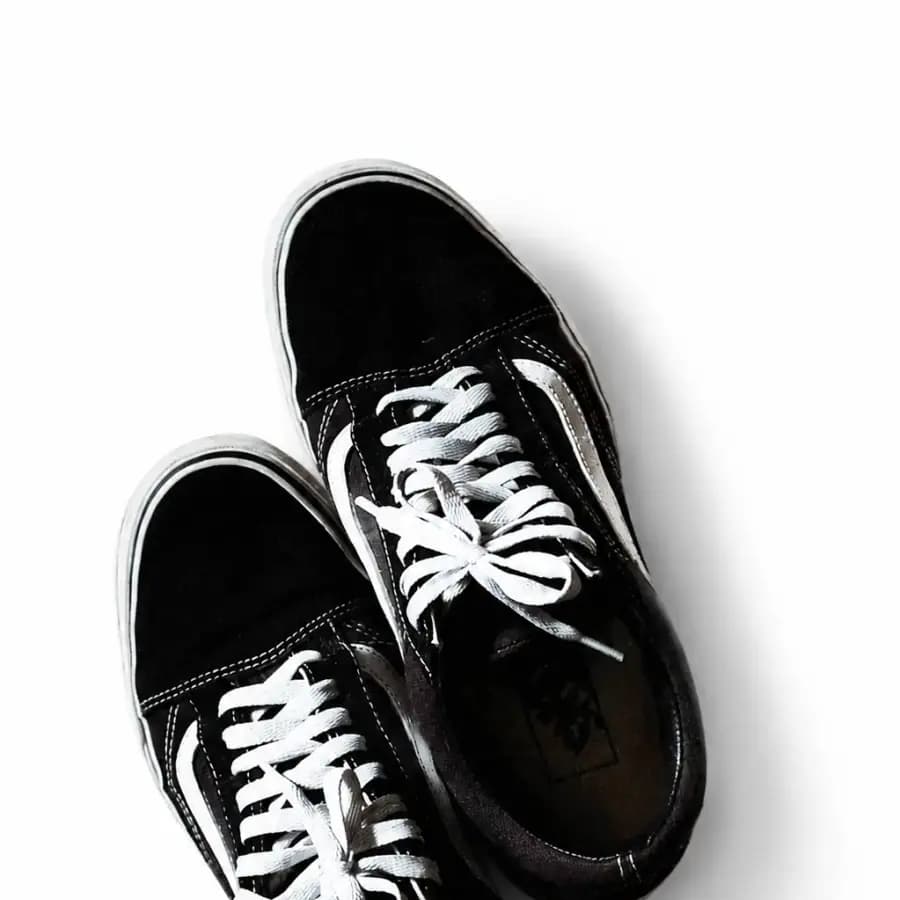
 BackgroundsClean up product backgrounds
Reduce visual clutter, soften the setting, and keep the subject recognizable for listings and product pages.
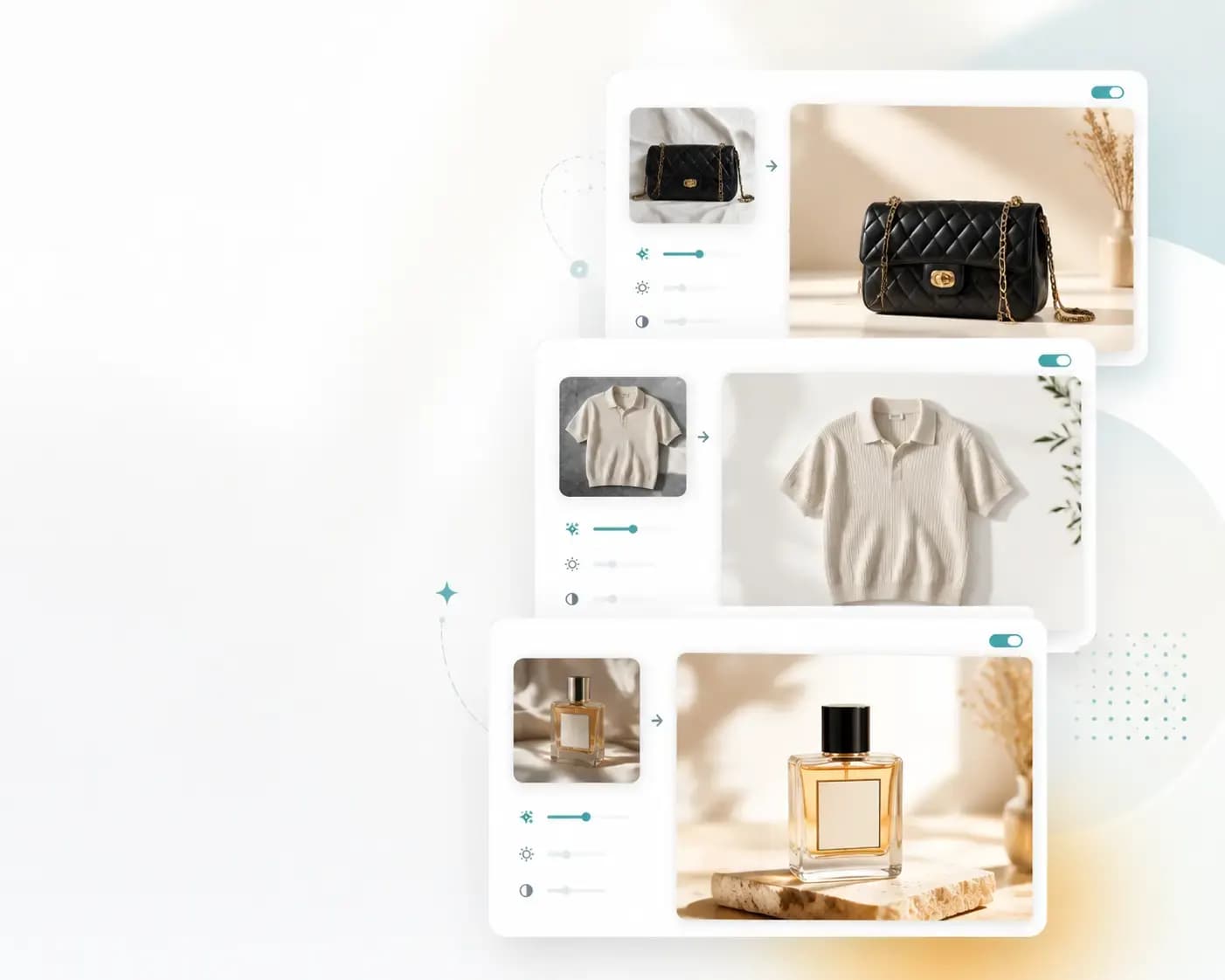
Prompt-based photo editing
Upload a photo, describe the edit, and download a cleaner image. Luforge is an online free AI photo editor for backgrounds, lighting, and product-ready cleanup.
Before and after
Real source and result pairs give visitors a fast way to judge the editor before they upload their own image.
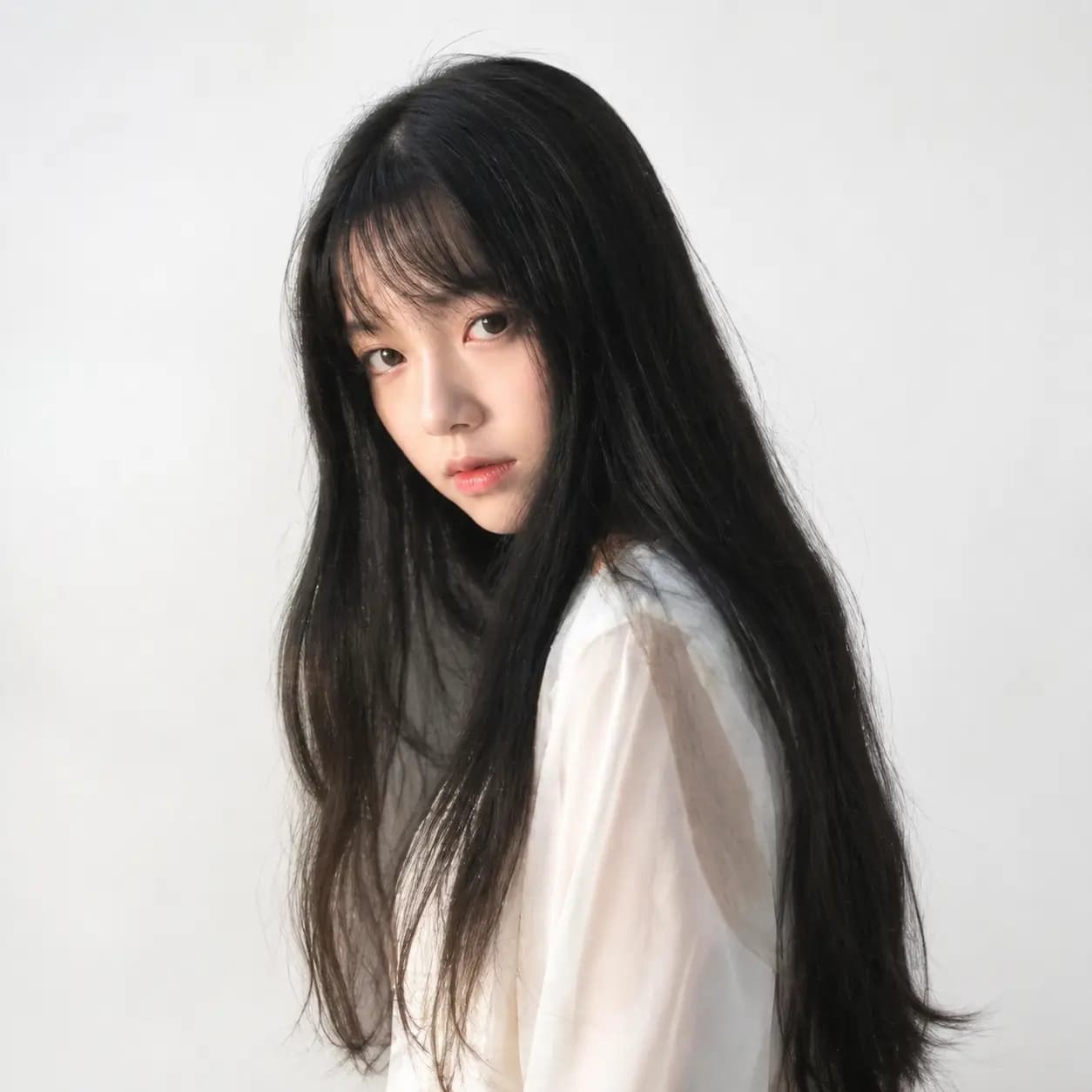
Drag the handle to compare the source photo with a cleaner AI edit for a polished online image.
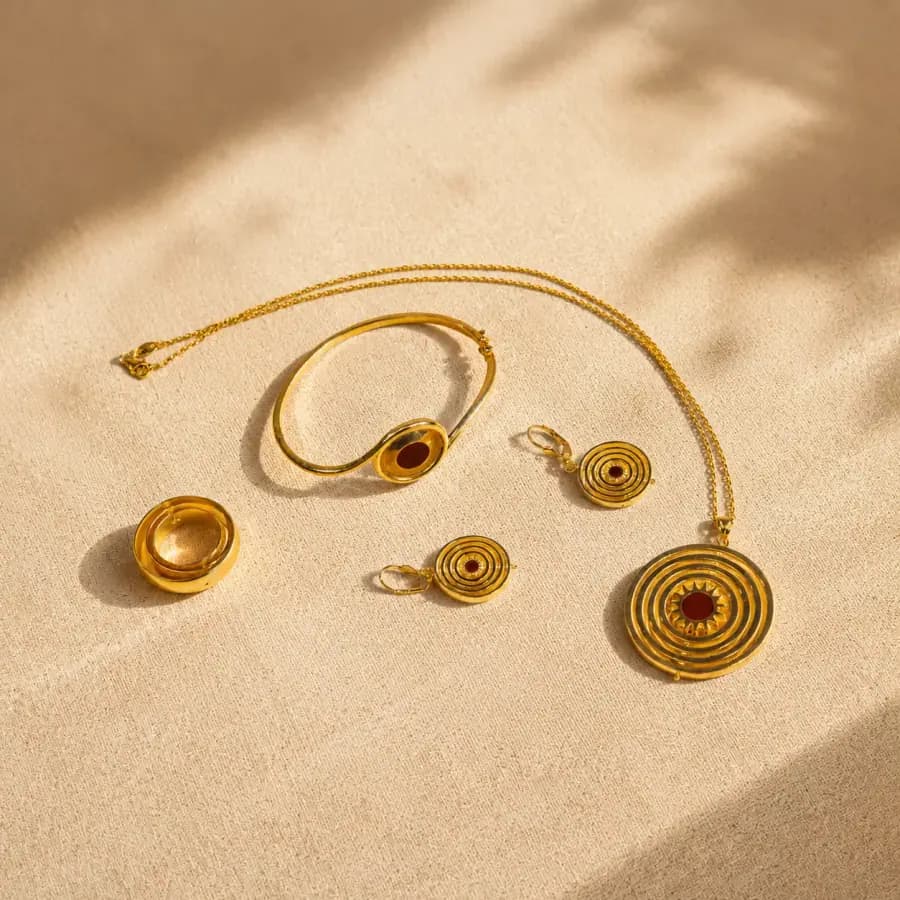
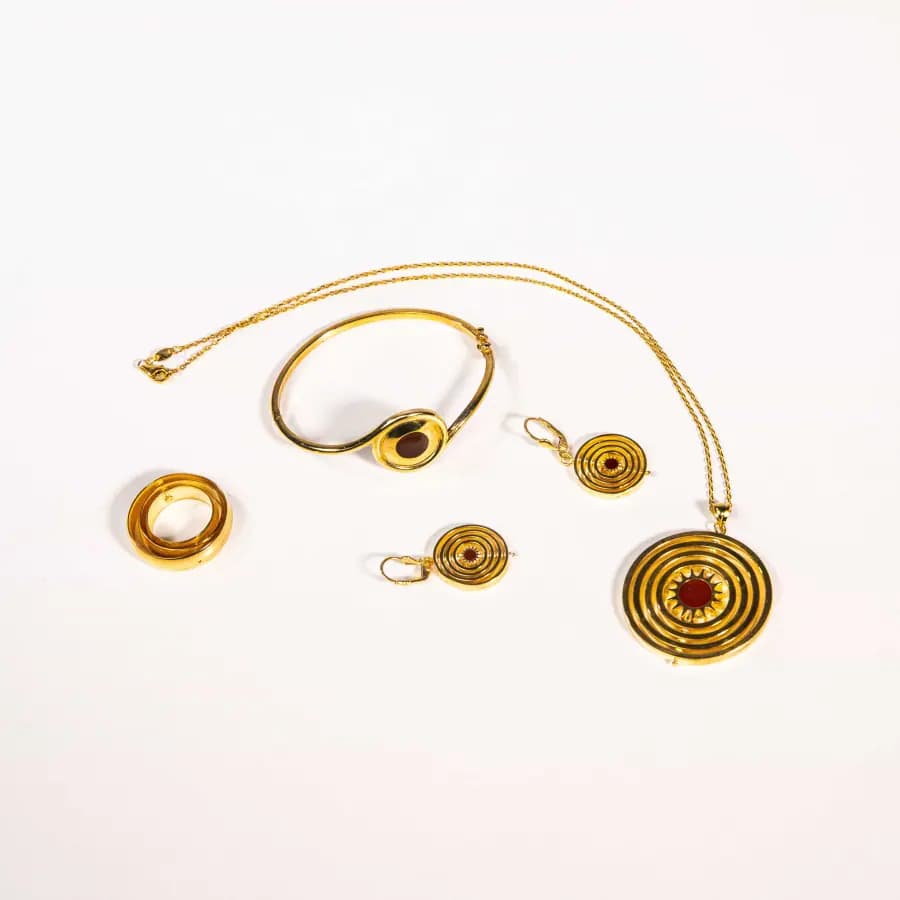
Use the slider to inspect how the edit keeps the item recognizable while improving the presentation.
Try the editor
Start with one upload, choose a direction, write a concise edit request, and generate up to three edited results without leaving the homepage.
Upload an image, choose an edit direction, describe the change, and generate edited results.
What to edit
Keep the homepage focused on the task users came for: upload, describe, preview, and download a cleaner image.
BackgroundsClean up product backgroundsReduce visual clutter, soften the setting, and keep the subject recognizable for listings and product pages.
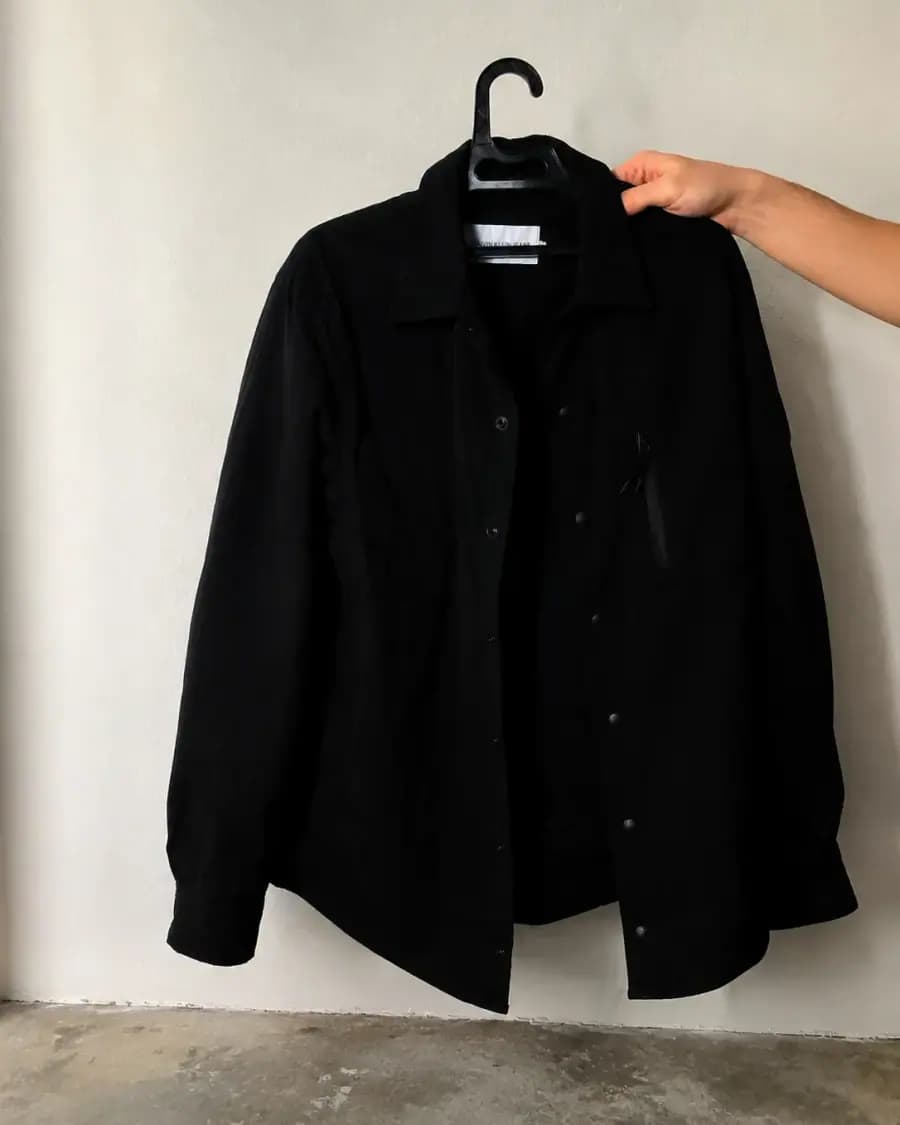 LightingAdjust color and light
Ask for brighter light, a softer surface, or a cleaner studio feel without opening a desktop editor.
DownloadPreview and save the best editGenerate variations, compare the result with your source image, and download the version that fits your use case.
Workflow
Start with one JPG, PNG, or WebP image. Clear source photos with visible subjects usually produce the best edits.
Use a short prompt to explain the image result you want.
Preview the generated image, compare it against the source, and download the version that fits your listing or content.
FAQ
Yes. Luforge gives new users a free starting allowance, so you can upload an image, generate edits, and test the browser editor before requesting more credits.
It works best for practical photo cleanup: product shots, listing images, simple background changes, lighting direction, color polish, and downloadable visuals.
No. Upload a JPG, PNG, or WebP image, describe the result in plain English, preview the AI edit, and download the image you want to use.